iPhone
Safari on iPhone
In private testing on TestFlight. Join the waitlist and we'll send you an invite.
Join the Safari waitlistFor iPhone Safari and desktop Chrome
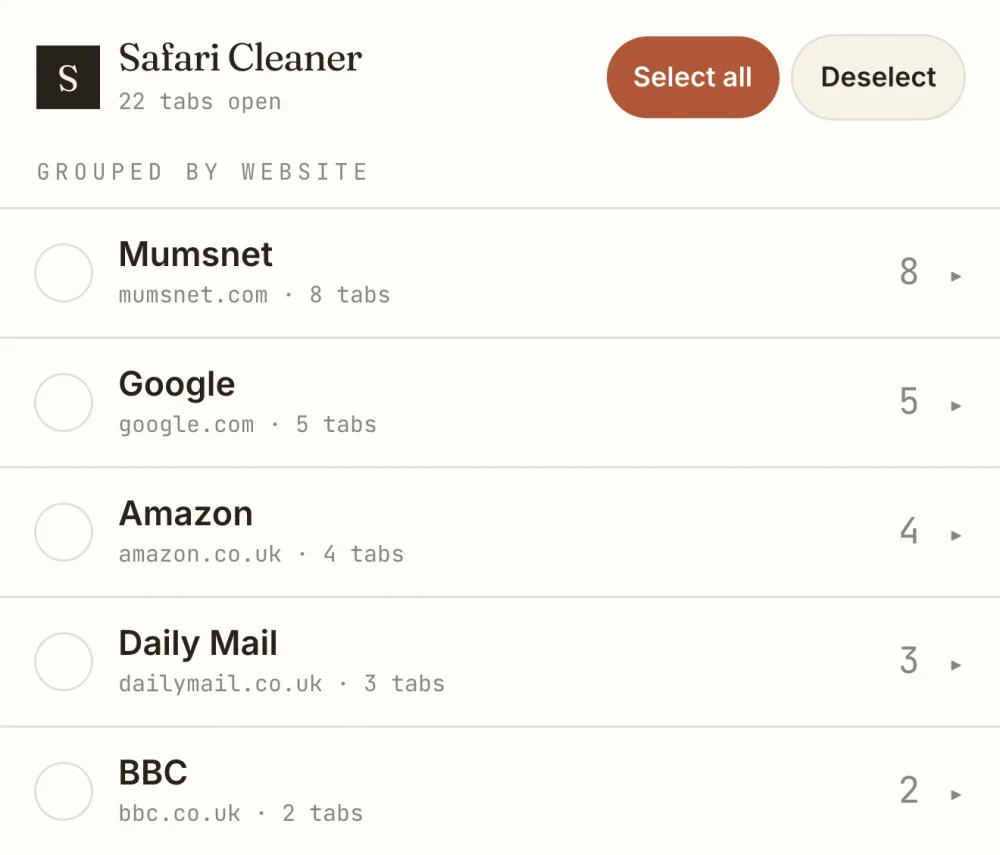
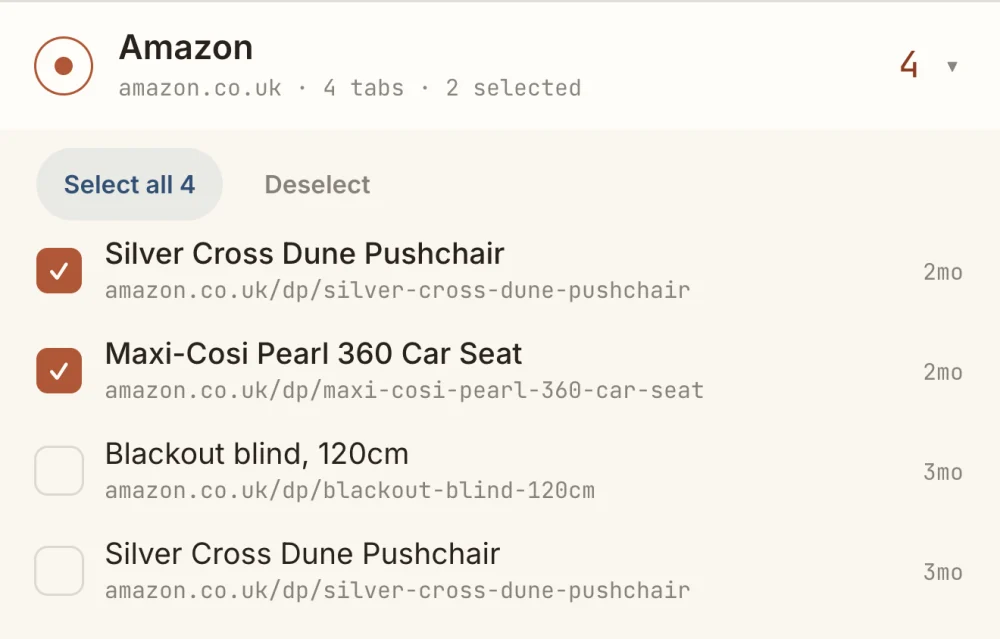
Tab Cleaner groups your open tabs by website, so the mess becomes one tidy list. Expand a domain, tick what to keep or drop, and clear it in a single pass — or sweep with a rule.
Safari TestFlight beta and Chrome
Tab Cleaner for Safari is in private testing on Apple TestFlight, and the Chrome version is coming to the Chrome Web Store. Leave your email and I’ll be in touch when yours is ready.
You’re on the list
I’ll email your TestFlight invite or Chrome install link as soon as it’s ready. Nothing else to do for now.
iPhone
In private testing on TestFlight. Join the waitlist and we'll send you an invite.
Join the Safari waitlistDesktop
Coming to the Chrome Web Store. Join the waitlist and we'll email you the day it's live.
Join the Chrome waitlistSee it working
Open tabs collapse into one tidy list by website. Open a group and you decide what goes — the whole site at once, or tab by tab.
How it works
Tab Cleaner for Safari is a Safari Web Extension. Once installed it reads your open tabs on the device, groups them by website, and closes only the ones you select. It has no account, no server and no analytics.
Private by design. Your tabs never leave your iPhone — there’s nowhere for them to go.
Turning it on
Installing isn’t the last step — iPhone keeps four switches for Safari extensions, and two of them fail silently. Flip all four and Tab Cleaner appears in Safari.
Safari can close every tab: press and hold the tabs button and choose Close All Tabs. Tab Cleaner is for when you don't want to lose everything: it groups your tabs by website so you can close whole sites, duplicates or old tabs and keep the rest.
Yes, on desktop Chrome (Windows, Mac, Linux and ChromeOS). It is coming to the Chrome Web Store; join the waitlist to hear the day it's live. Chrome on Android and iPhone does not support extensions.
No. It has no account, no analytics and no network access. It reads your open tabs only on your device, to group and close them.